Welcome to thegreatdevice.com’s Gaming category—your all-in-one destination for gear picks, setup guides, and game recommendations that actually help you play better. We research, test, and compare the best gaming PC parts and best gaming laptops, the must-own PS5 games, Xbox Series X exclusives, and Nintendo Switch favorites, then wrap it all up with practical tips for performance, comfort, and savings. Expect buyer guides with quick pros and cons, spec explainers, and real-world benchmarks so you can spend less time guessing and more time winning.
If you’re building today, start with a balanced CPU/GPU pairing to avoid bottlenecks. For high-refresh 1080p/1440p, aim for a modern 6–8 core CPU and a GPU that handles ray tracing with DLSS or FSR. Chasing 4K gaming? Step up to enthusiast-class graphics and plenty of VRAM. Don’t neglect cooling: a quality tower cooler or 240mm AIO keeps clocks stable under load. For motherboards, look for PCIe 4.0/5.0 lanes and fast storage; an NVMe drive slashes load times in big open-worlds.
Creators and competitive players alike will love thin-and-light rigs with advanced cooling and MUX switches for max FPS. Our best gaming laptop roundups highlight 14–16" panels with 144Hz or 240Hz refresh, color-accurate IPS or OLED options, and solid battery life off the charger. Pair the laptop with a compact USB-C dock, low-profile keyboard, and travel mouse to recreate a desktop feel anywhere.
PlayStation fans: we track must-play PS5 games across action, racing, and RPGs, plus performance modes that hit 60fps. On Team Green, Xbox Series X shines with Xbox Game Pass value and widespread crossplay. On-the-go players will appreciate the Nintendo Switch library for couch co-op and indie gems; docked modes pair well with a 144Hz monitor that supports variable refresh (even if it downshifts to 60Hz content).
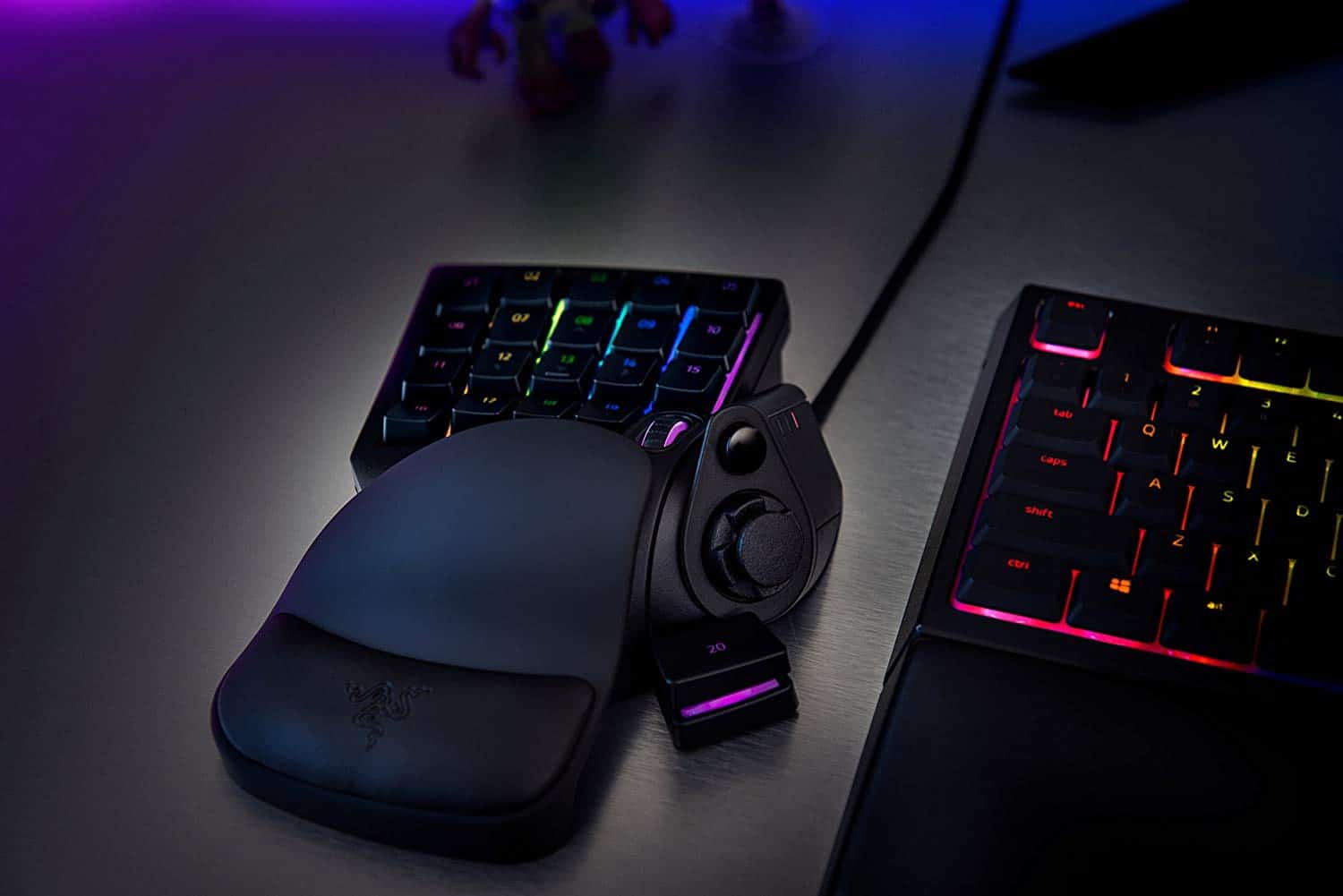
Comfort and clarity win matches. Start with a closed-back gaming headset for better footstep separation, or open-back for a wider stage at home. A hot-swappable mechanical keyboard lets you test switches until you find your ideal feel, while a wireless gaming mouse with low-latency dongle keeps inputs crisp. Don’t forget a supportive best gaming chair with lumbar adjustment and breathable fabric for long sessions.
Competitive shooters benefit most from a 240Hz monitor, but a good 144Hz monitor is a massive jump from 60Hz for almost everyone. If you’re into racers, flight, or sprawling RPGs, an ultrawide boosts immersion and multitasking. Calibrate once, enable adaptive sync, and keep HDR sensible—prioritize clear motion over overly bright highlights.
For shared spaces, noise cancelling headphones tame background chaos and keep mic bleed low. If you game in a quiet room, open-back cans offer a larger soundstage that helps you localize enemies. Consider a USB interface and dynamic mic upgrade for broadcast-quality comms, or a plug-and-play USB mic for instant improvement over controller mics.
Going live? Our guides walk through OBS settings for clean 1080p/60 capture, proper bitrate, and scene transitions. Add a key light and soft fill to flatter skin tones, a capture card for console, and a quiet desk arm to keep the mic close. We also cover chat bots, alerts, and royalty-free music so your Twitch streaming start is painless.
Save cash with curated lists of the best free-to-play games that respect your time. Competitive fans can browse top battle royale picks and aim trainers, while social players will find grind-friendly MMORPG options with active communities. Curious about immersion? Our VR games recommendations highlight comfort settings, room scale tips, and accessories that keep cables out of the way.
Easy wins: update GPU drivers, enable resizable BAR when supported, and set per-game caps to reduce stutter. Turn off heavy post-processing before dropping textures. For network low latency, wire your connection, prioritize game traffic on the router, and pick closer servers to cut ping. Laptop owners—use a cooling pad and performance mode for a quick FPS boost.
We track legit discounts (not fake MSRPs) on gaming PC deals, PS5 accessories, controllers, storage expansion, and top indies. Expect quick-buy tables, return-policy notes, and warranty tips so you can score upgrades with confidence—especially during Black Friday gaming deals and seasonal sales.